Quality
Capture With Clarity
The camera detects edges and corrects perspective, so a receipt, contract, or note becomes a PDF.
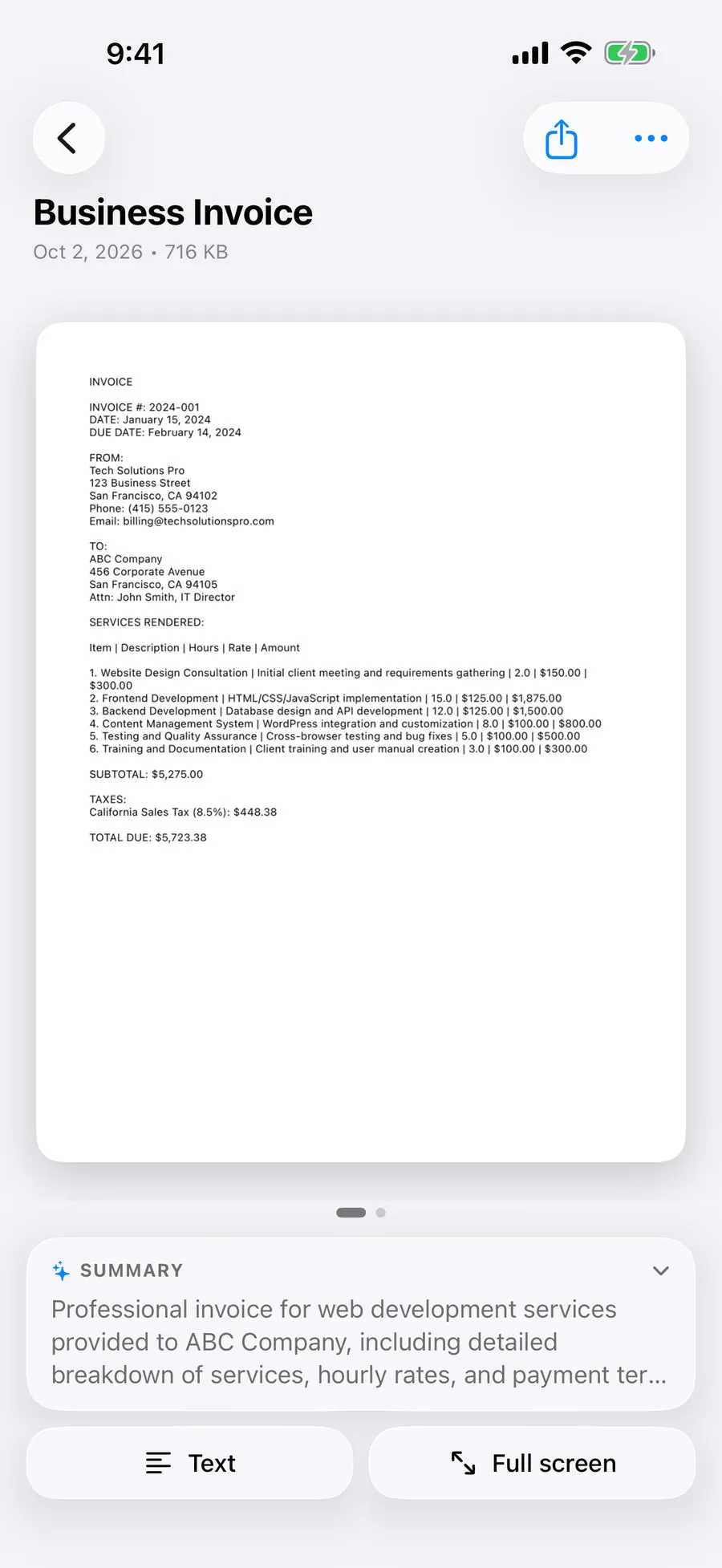
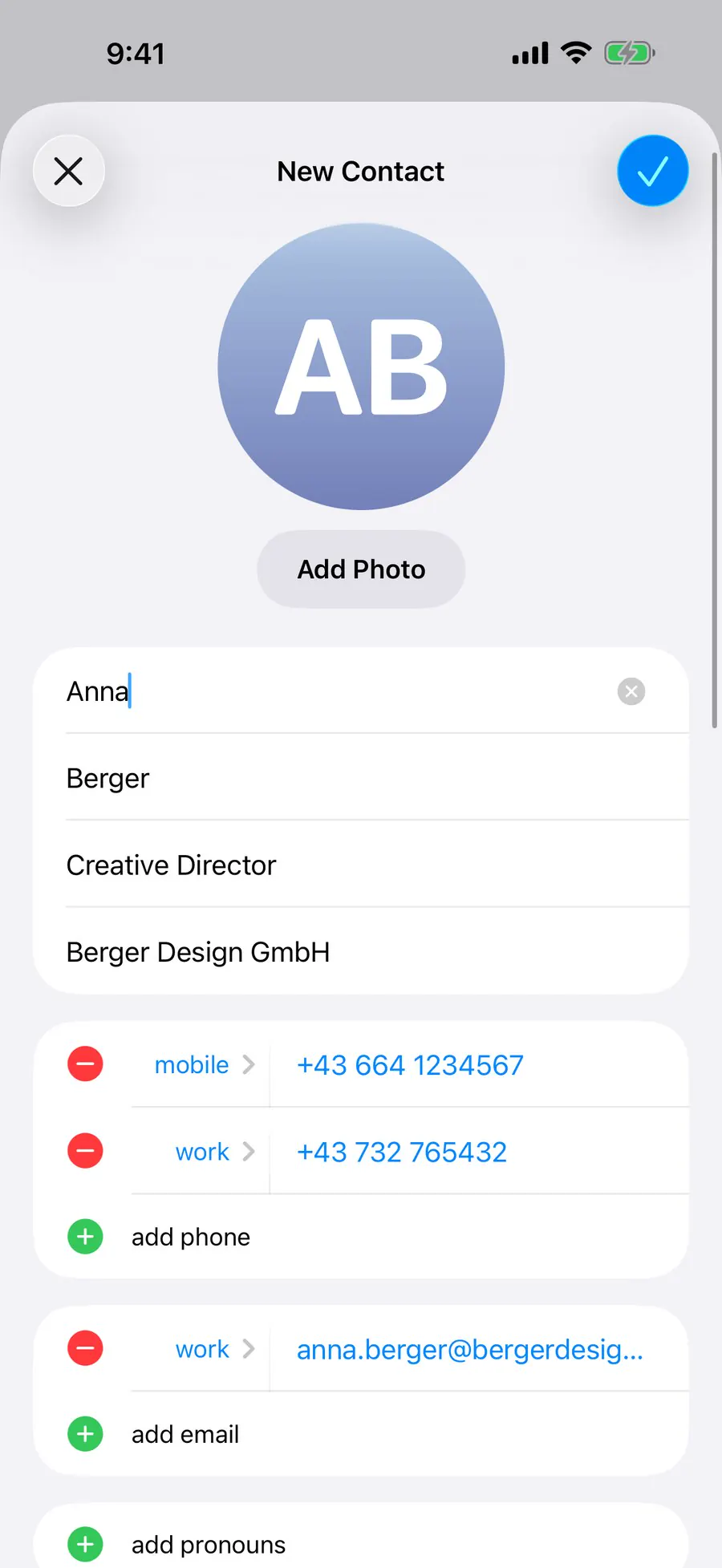
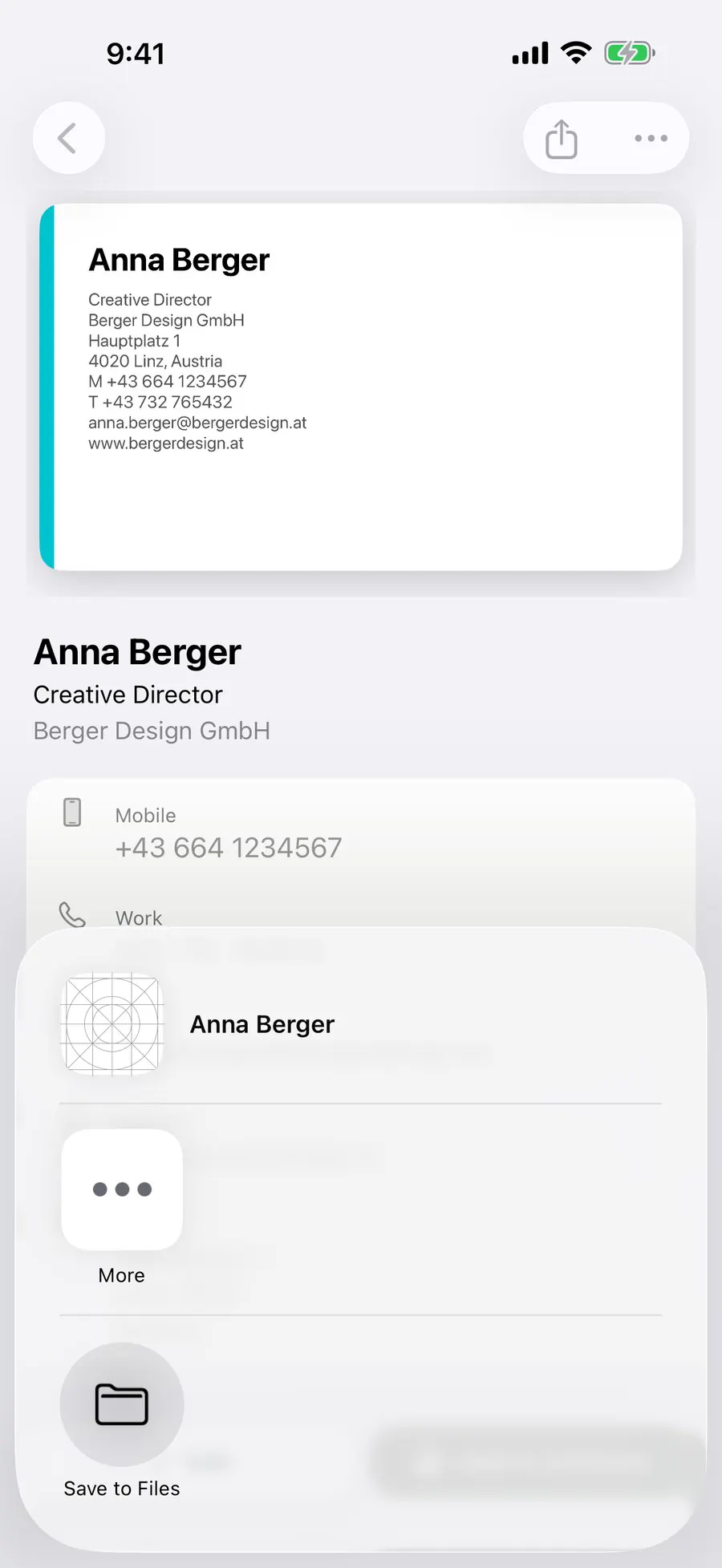
Doculla scans documents and business cards, reads text with OCR, and suggests file names. Scans are sorted into Documents and Business Cards automatically. A card in the Latin alphabet is read on your device: name, job title, company, phone numbers, email, website and address. You edit those fields, then add the person through Apple’s New Contact screen or share a vCard. Pro is required after your first scan. Documents can sync with iCloud. AI titles are generated on-device on iPhones with Apple Intelligence; on other devices the recognized text is sent to our EU server (AWS Frankfurt) to create a title and is not stored.

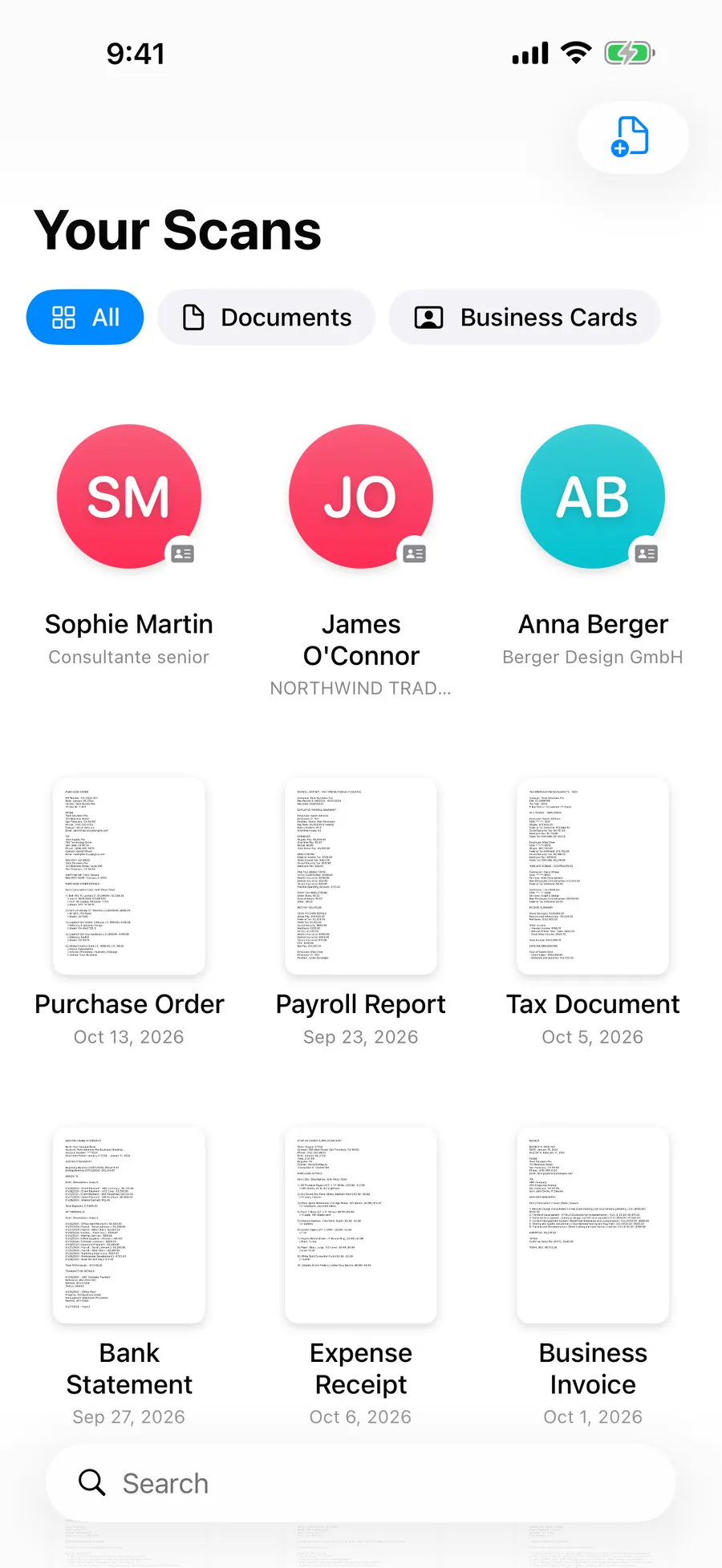
Everything you need to stay organized and productive
The camera detects edges and corrects perspective, so a receipt, contract, or note becomes a PDF.
OCR reads the text on a scan. On a business card, the contact fields are what you edit before you save or share.
Scans are sorted into Documents and Business Cards automatically. AI titles are generated on-device on iPhones with Apple Intelligence; on other devices the recognized text is sent to our EU server (AWS Frankfurt) to create a title and is not stored. Documents can sync with iCloud.
Scan a business card. Doculla reads the name, job title, company, phone numbers, email, website and address. Edit those fields, then add the person through Apple’s New Contact screen or share the card as a vCard. The card text is read on your device. This applies to cards in the Latin alphabet. Pro is required after your first scan, the same as for a document.
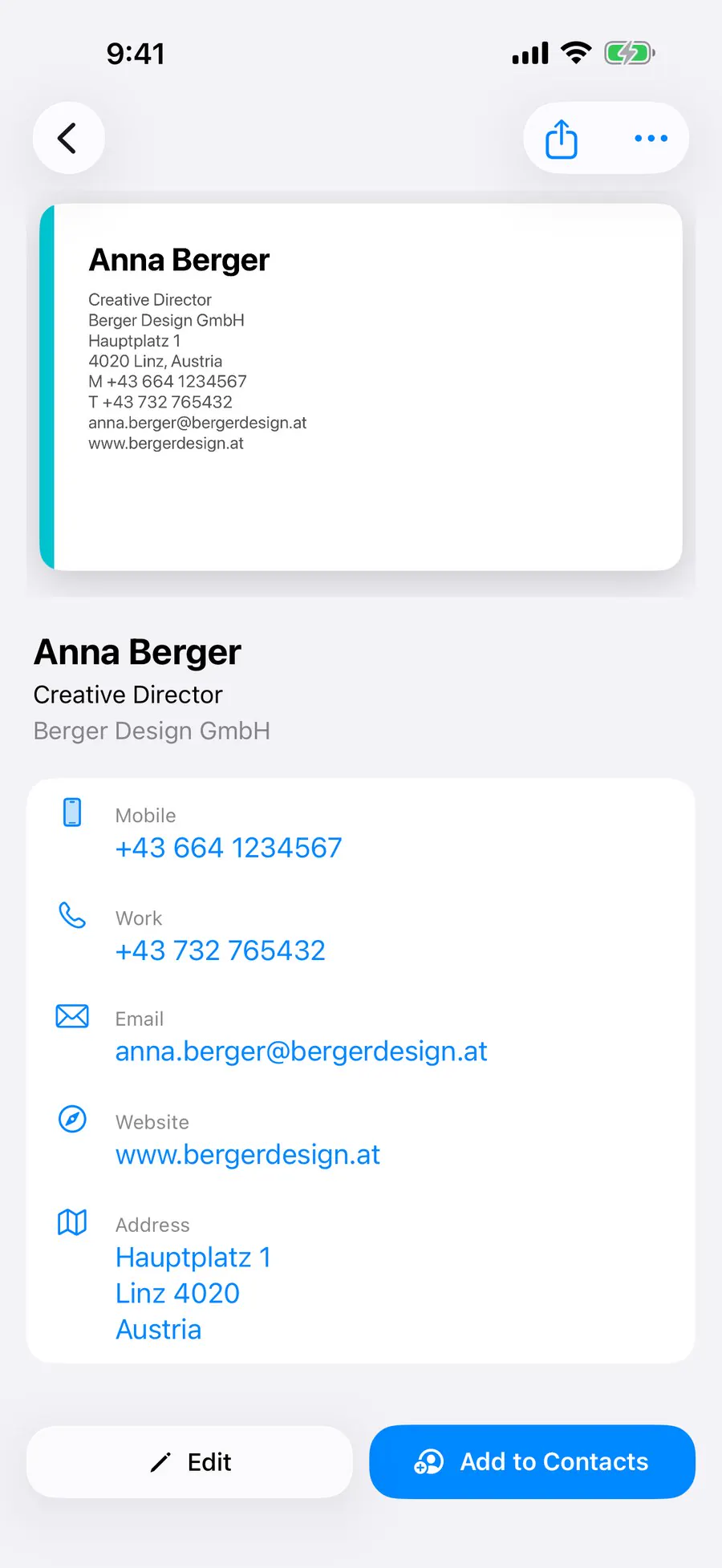
Documents and business cards are sorted automatically. From a Latin-alphabet card you edit the contact, add it through Apple’s New Contact screen, or share a vCard.
One Pro plan. It is required after your first scan, for documents and for business cards.
Download the app to get started
Got questions? We've got answers.